Hello, my name is
SeungJae Baek
Building secure, full-stack web applications
About me
Hosting / DevOps
-
AWS
-
Azure
-
GCP
-
GitHub Actions
-
Nginx
Languages
Experience in Variety of Languages
-
JavaScript
-
TypeScript
-
Python
-
MySQL
-
C#
-
HTML5
-
CSS3
-
Java
-
C
Libaries / Frameworks
Experience in Variety of Frameworks, and Libraries
-
React.js
-
.NET Blazor
-
Express
-
Docker
Projects
01
Aether's Journal

A Journaling application with an AI therapist that can converse and review each day
02
ArtificialGains
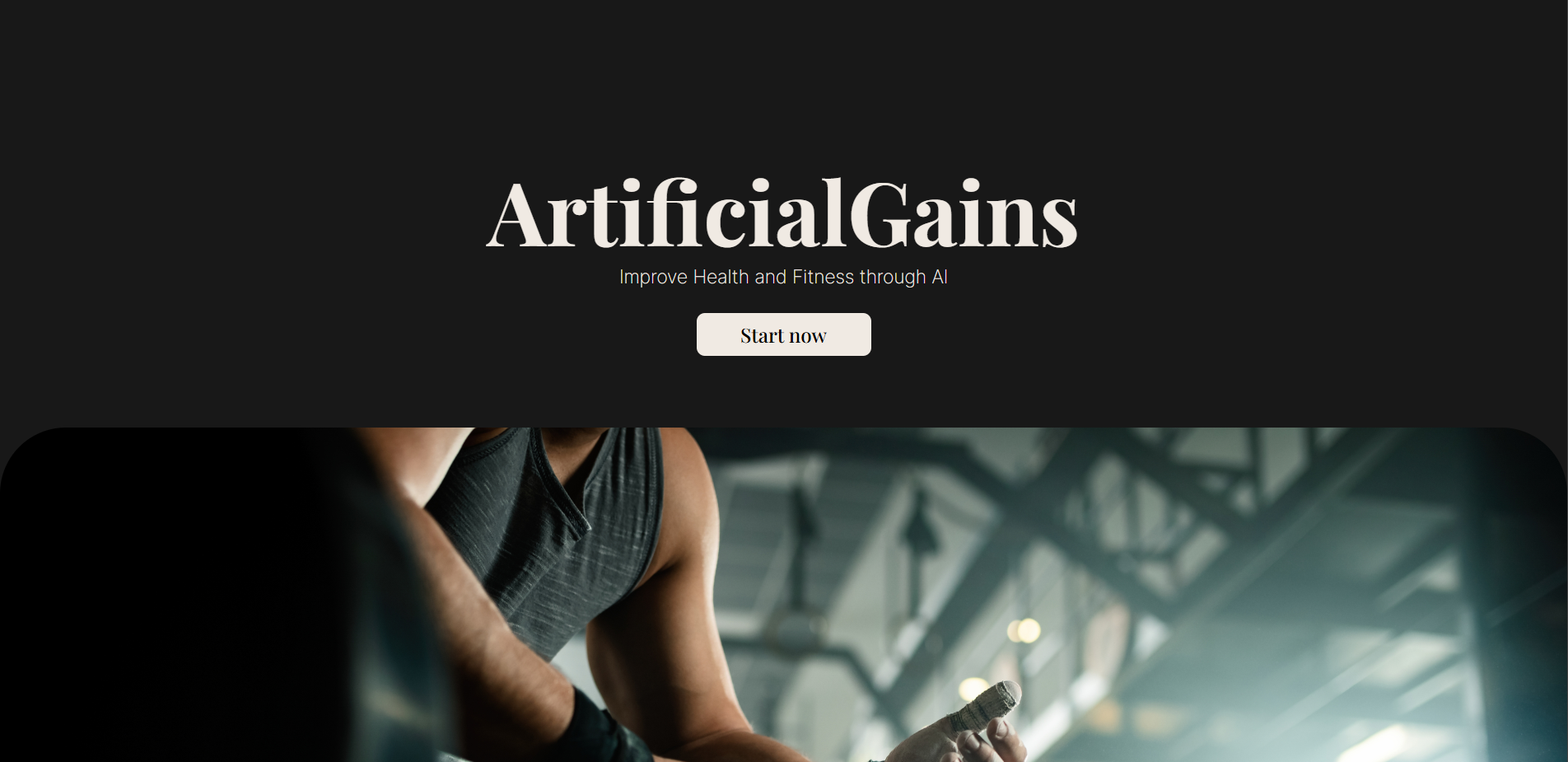
ArtificialGains is an AI fitness and diet web application that plans out users fitness routine, diet plan and tracks user's progress.
03
Praxis
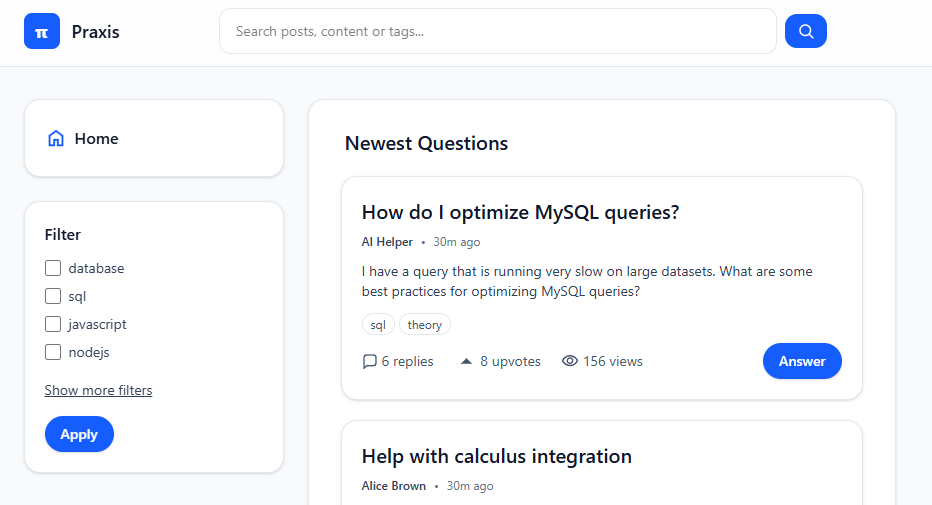
A full-stack Question & Answer platform for Students
04
SnowScraper
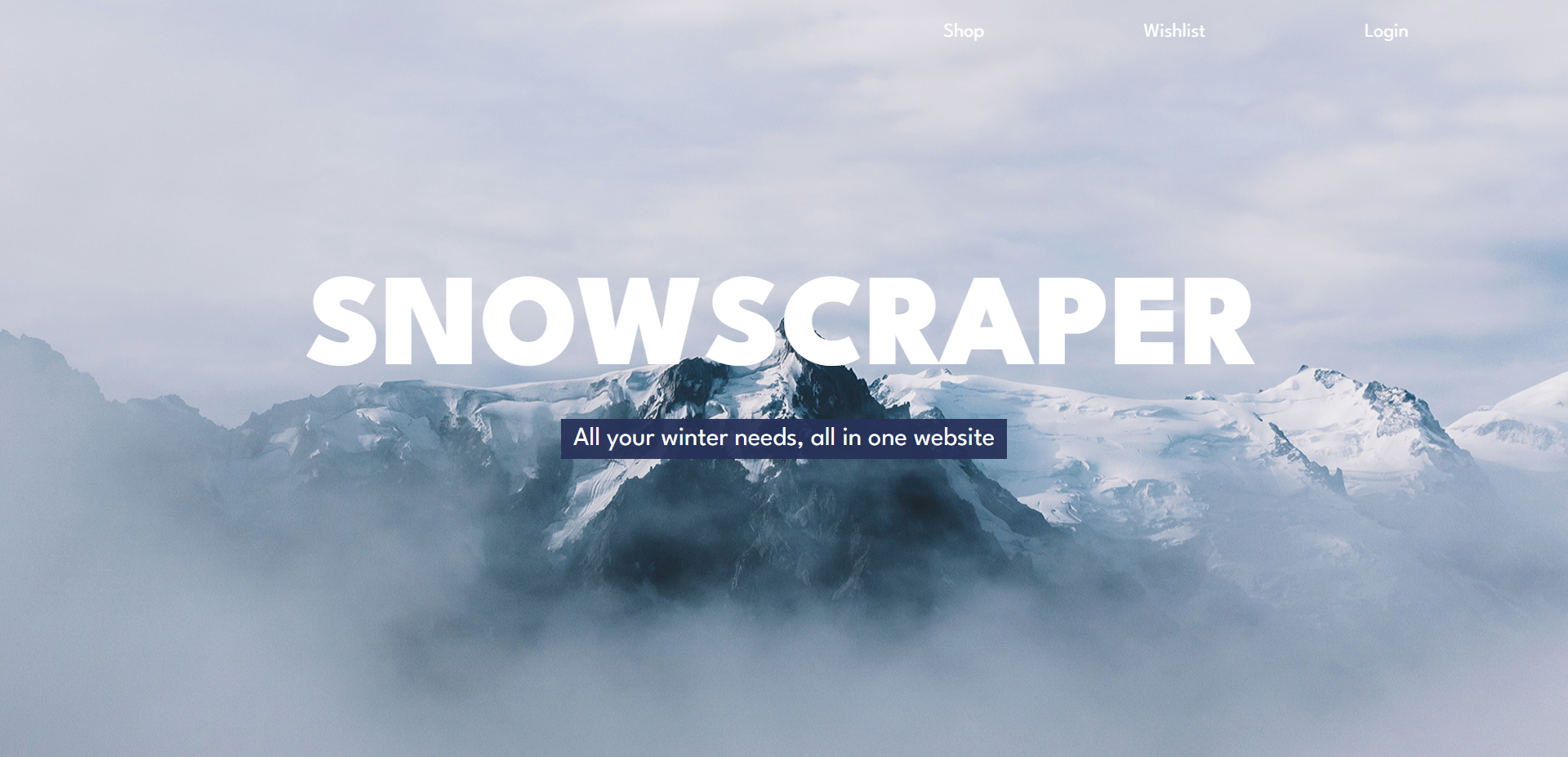
Snowscraper is a web application that scrapes the web of snow related products and compiles them for consumers to select and buy
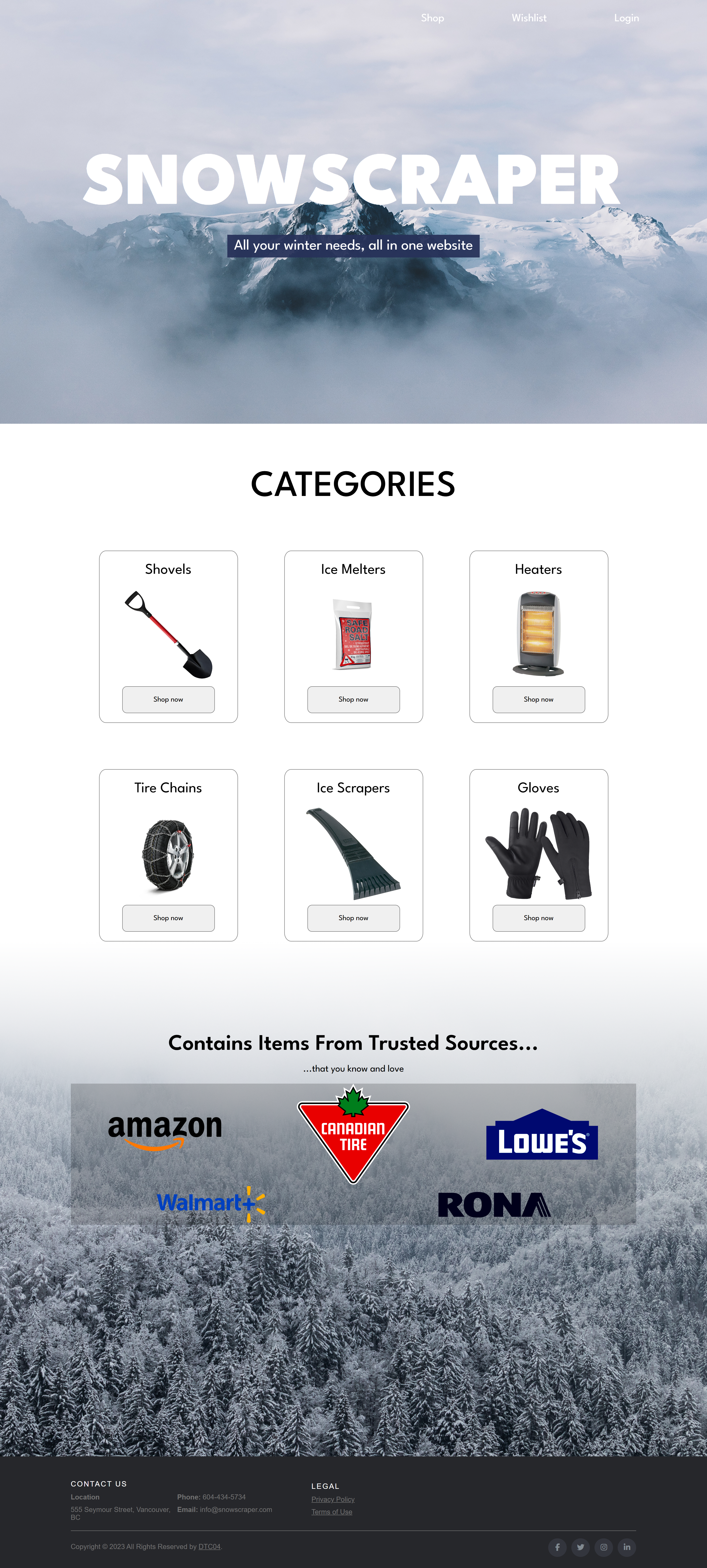
SnowScraper is a web application that aggregates certain
winter products by web scraping various store's websites.
SnowScraper was a project done during my BCIT CST Diploma
program. This project was done by myself and two other group
mates, Jake and Joanne.
I was more involved with the overall design of the website and
implementing front end features.
Languages used for this project were HTML, CSS,
JavaScript, and Python.
Libraries used were Bootstrap, Selenium for web
scraping snow product data and Firebase library to connect to
the Firebase account.
Frameworks such as Docker was used to build an
image of the web scraping python script to run in Google Cloud
Run.
For hosting and storing data, we used Firebase
and Firebase's Realtime Database.
This project was a great introduction to building an
application as a team, collaborating and communicating ideas.
Up until this point, I worked mostly on front end projects and
so this project gave a great introduction to what it is like
to manage a database, host a website, manage users and
authentication, albeit in a very simplified way through
Firebase
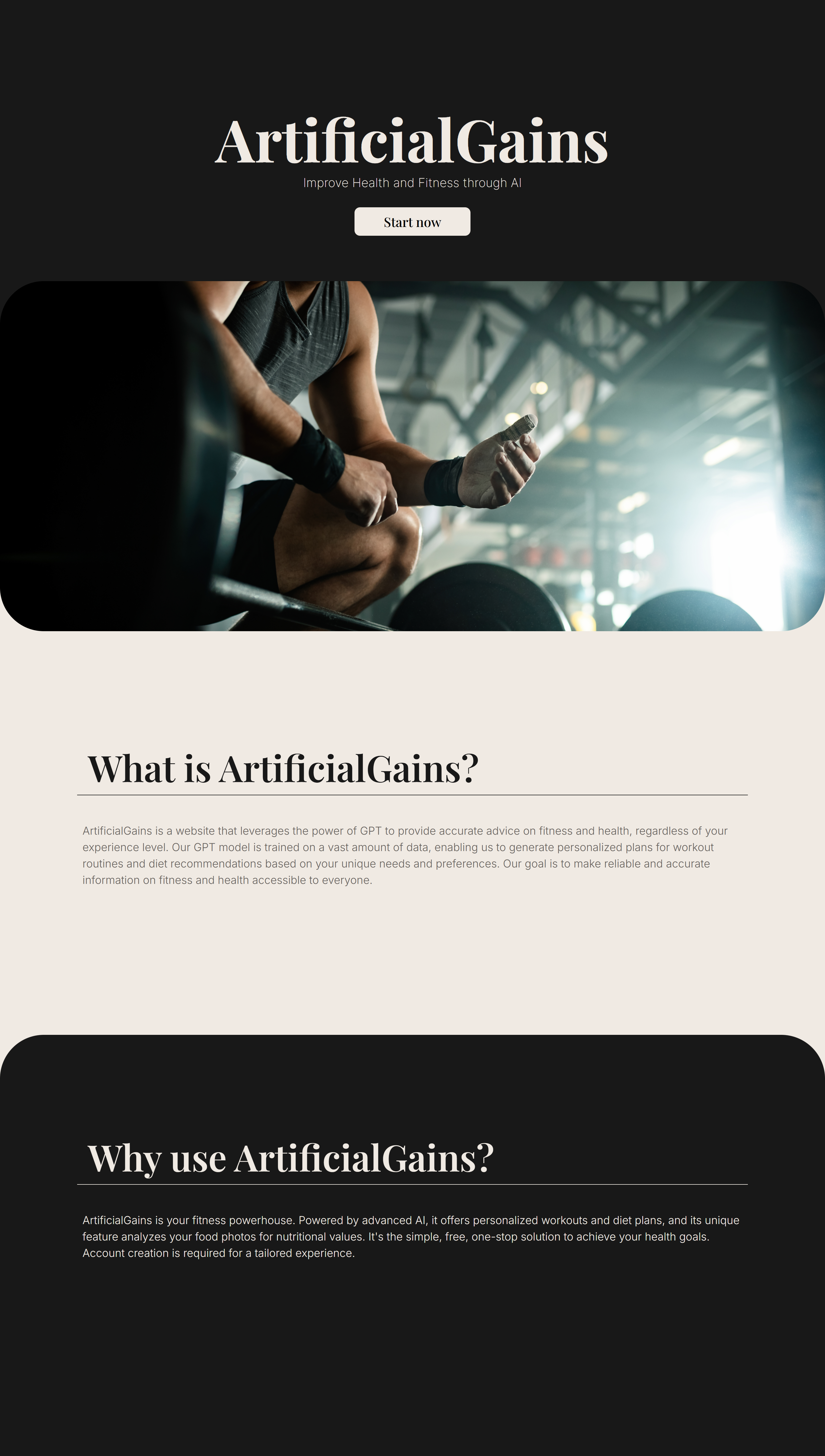
Description:
ArtificialGains is an AI powered fitness and diet application
that creates fitness and diet plans for users and helps users
stick to their plans through tracking and reward systems This
project was done during my enrollment at BCIT through the
course 2800 and was done with three other group mates, Jake
Currie, Vishav Josan and Ivan Cheng
My role:
I was responsible for the entire front-end development, from
designing the user interface to implementing it. This project
was my first introduction to React, as well as my first
experience creating mockups, gathering feedback from teammates
and friends, and refining the design accordingly.
Up until this point, my web development experience was limited
to HTML, CSS, and JavaScript. Working on this project was a
great eye opener and exposed me to other tools that could be
used to create a web application.
Technologies Used:
- Design: Adobe Photoshop
- Frontend: React.js, CSS
- Backend: Node.js, Express.js, with Python scripts for certain data processing tasks
- Database: MongoDB
- Deployment: Docker

Description:
AethersJournal is a journaling application that incorporates
an AI "therapist" that helps you reflect on your day, based on
the journal entry.
Technologies Used:
- Design: Figma
- Frontend: ASP.NET Blazor, CSS, JS
- Backend: ASP.NET Blazor Server, Entity Framework Core, Identity Framework
- Database: PostgreSQL
- CI/CD: GitHub Actions
- Deployment: Microsoft Azure
Context:
This project was originally a Razor Page application that my
friends and I created. The project was unfortunately never
completed and having contributed significantly to it, I wanted
to see it finished and used it as an opportunity to migrate
the codebase to Blazor, a framework I had never used before.
Blazor:
Through this project, I was able to learn the Blazor Framework
from initial project configuration to hosting. Learning how
Blazor reads and processes configuration files and how it
starts up through Program.cs, setting up services and handling
dependency injections gave me a clear structural
understanding, which helped throughout the development
process.
Frontend:
When I first did research on Blazor, I found that it mainly
has two hosting models, Blazor Server and Blazor WASM. Coming
from React, I was already familiar with client-side rendering,
and I recognized that WASM would likely be the more
appropriate fit for a journaling app given its interactivity
requirements. However, I deliberately chose to use Blazor
Server to expose myself to an unfamiliar concept and I wanted
to understand the tradeoffs firsthand.
And the tradeoffs became clear during development. Because
Blazor Server processes every interaction server-side over a
persistent SignalR connection, there is a noticeable latency
on certain UI interactions that would not exist in WASM. Most
notable example was when writing the journal entry. My initial
implementation used oninput, firing a server round-trip on
every single keystroke. The latency was immediately visible
locally and unbearable in production. Switching to onchange
resolved the issue, since updates only fire on blur rather
than on each character. But that highlighted a big difference
and the aforementioned tradeoff between Blazor Server and
WASM. In WASM, the same code runs entirely in the browser, the
network is never involved until you explicitly save, and the
writing experience is instant regardless of connection
quality.
Backend:
Originally, the database that was used for the Razor Page
version of AethersJournal was MongoDB. However, when I
migrated to Blazor, I decided to move over to using
PostgreSQL. The main reason was that structurally and in
design, it made sense to use a relational database as the data
model had a clear relational structure. Users own journal
entries, and each entry has an associated AI summary. It was
also my first time working with PostgreSQL specifically and so
I had viewed it as a great learning opportunity.
I used Entity Core for setting up migrations and querying the
database in the application. I had already used Entity Core
during school so this was not a new experience, but solidified
my knowledge of using LINQ Queries, setting up database model
classes, setting up tables and creating migrations.
I used the Identity Framework for handling authentication.
Prior to this, most of my projects had always implemented
authentication from scratch, handling hashing and token
validation and expirations. Using this framework streamlined
all that process except the core logic of authentication.
Currently only email and password authentication is
implemented but I plan to add signin feature from third party
OAuth systems.
Retrospective:
Looking back at the project, there is a lot of things I would
change or implement differently. For example, I wish I had
planned more on the database models before I started
implementing them. I had to create many changes to the
database as I had to add or change certain columns of one
table, which affected the relationship between other tables,
requiring many edits and adding forces during the migration
process.
Another part I would do differently is the lack of fallbacks
in the case an API call to Gemini fails. Throughout
development, I had many instances where an API call to
creating a summary for the journal entry failed. However, AI
summary is created only when the journal is saved. if the AI
summary of the journal fails but then the user tries to chat
with the AI about their entry, the AI is not able to read the
summary of the journal since it failed. I would have liked to
add an additional safety net where in the case that the AI
summary is not available, it would attempt to try again, given
the journal entry is not empty. I think this idea of extra
fallbacks was lacking due to do many oversights and creating
tight functions, instead of creating more modular code. I
believe with more modular code, fixing this would have been
easy but since everything is tightly coupled, it makes it
harder. Going forward, I would prioritize writing modular code
by breaking logic into smaller, single purpose functions,
making the codebase easier to extend and debug.
Conclusion:
Despite the areas I'd revisit, this project gave me hands-on
experience on creating a full stack application and I shipped
it as a working product, hosted on Azure with a CI/CD pipeline
through GitHub Actions. You can check it out here:
https://aethersjournal.ca
Description:
BCITRA Connect was originally a desktop application created
for the BCIT Retirees Association to help manage and track
memberships. For the course 4800 at BCIT, we were tasked to
create a web application version of the desktop app for the
association and communicate with them each week through
meetings and give them updates on the development.
My role:
My role in this project was a full stack developer. While I
focused mainly on implementing the back-end logic of the web
application, I had a major contribution to the front-end
implementation as well.
This project was a limit tester of how much I could program in
a span of a month and a half. I have never coded as much and
this fast before. The project scope was quite big as there
were additional features the clients wanted that were not
included in the desktop application.
This was also my first exposure to AWS and their hosting
service EC2. Setting up the proxy server and configuring the
web server was a great learning experience and honestly a lot
of fun.
This project's tech stack was minimal as we needed to
implement a lot in a short amount of time and since our client
did not need anything too complicated, we decided to keep it
simple and go with what we were most familiar with. This
project's GitHub repo is unfortunately private for security
reasons.
Technologies Used:
- Frontend: HTML, CSS, JavaScript
- Backend: NodeJS, Express,
- Database: MySQL (AWS RDS)
- Deployment: AWS EC2